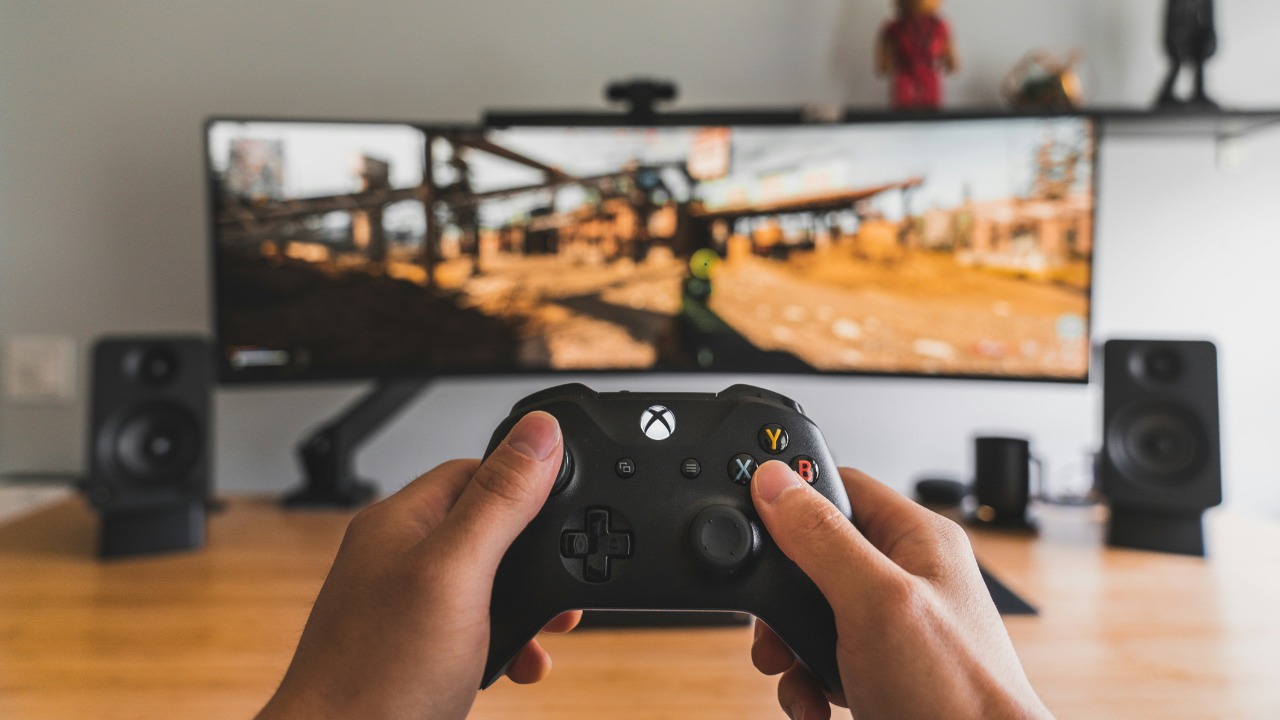

Every time an Xbox controller dies in the middle of a match, the easiest reaction is to grab another pair of AA batteries and keep going. It is also the fastest way to burn money on a problem that has a much cheaper, cleaner fix. Instead of treating batteries as disposable, you can turn your existing controller into a plug-in gamepad or pair it with a rechargeable setup that pays for itself in a few months of regular play.
The core trick is simple: stop thinking of AA cells as consumables and start treating your controller like any other USB-powered device. With the right cable or rechargeable pack, you can keep playing while power flows directly into the pad, cut your battery purchases to near zero, and still keep the flexibility that makes Xbox hardware so popular.
Why Xbox controllers still use AA batteries at all
To understand why so many people are still buying batteries, I have to start with the design choice Microsoft made for its gamepads. Modern Xbox controllers, including the Xbox Series X and Series S models, still ship with a removable battery compartment instead of a sealed internal cell. Reporting on the hardware explains that this lets players swap in fresh power instantly, but it also means an Xbox owner can find themselves going through a lot of AA batteries depending on how often they play, especially if they never plug the controller in with a USB-C cable for direct power.
That flexibility is part of why the debate over batteries versus packs has never really gone away. Some players like the idea that if a rechargeable pack fails, they can fall back to standard AA cells, while others see the open compartment as an invitation to keep buying disposables forever. Guides that walk through why controllers still rely on batteries describe this as a trade-off between convenience and long term cost, with the option to run the pad wired over a USB connection sitting quietly in the background as the simplest alternative to constant battery swaps.
The one simple fix: plug in with USB and skip batteries entirely
The most overlooked solution is also the cheapest: you can run an Xbox controller without any batteries at all by connecting it directly to your console or PC with a cable. A short video that circulated among players earlier in Apr spells this out bluntly, pointing out that some people simply do not realize the controller will power on and function normally as soon as it is tethered over USB, even if the battery compartment is empty. In practice, this turns the wireless pad into a wired controller, but it also means you never have to scramble for AA cells when the charge runs out mid-session.
Support guides for the Xbox Series S and Series X echo the same idea in more technical language. They explain that when you connect the controller using a USB or USB-C cable, you can keep playing while it charges or draws power, which effectively bypasses the need for fresh batteries as long as the cable stays plugged in. For anyone who plays within a few meters of their console or PC, this is the closest thing to a free upgrade: a single cable you probably already own can stop the constant churn of disposable cells and keep your controller alive indefinitely.
Microsoft’s own rechargeable kit and what it actually offers
For players who want to stay wireless but still ditch disposables, Microsoft sells an official rechargeable pack that drops straight into the controller’s battery bay. The Xbox Rechargeable Battery is bundled with a USB-C Cable in a kit that is marketed as a way to keep the action going without ever opening another blister pack of AAs. On the official product page, Microsoft highlights that you can recharge while you play or afterwards, even when your Xbox console is in standby, which turns the controller into something much closer to the sealed, rechargeable pads that rival platforms use.
The same accessory is listed across multiple storefronts, where the Xbox Rechargeable Battery and USB Cable are described as a compact way to recharge your Xbox controller without changing how it feels in the hand. One listing emphasizes that you can keep the controller topped up by plugging the USB cable into the console or another power source, then let the pack handle the rest. For players who are tired of juggling loose AA cells but still want the option to remove the pack if it ever wears out, this official kit is the most straightforward middle ground.
Third party battery packs and charging docks that beat disposables
Microsoft’s own kit is not the only way to stop buying batteries. A growing ecosystem of third party packs and docks has emerged around the Xbox controller, often bundling multiple batteries and a stand for less than the cost of a few months of disposable AAs. One example is a 2 Pack Xbox Rechargeable Battery Pack for Xbox Series X controllers, which describes itself as a Product that lets you keep a Charging Battery inside the XBOX Controller while another one sits on the charger, so you can swap them without ever powering down your game.
Other accessories go even further by combining high capacity packs with a dedicated base station. A device marketed as the Qqv Xbox Controller Charger is pitched as a versatile charger for Xbox that ships with two 5,520 mWh rechargeable battery packs and a dock that can top them up simultaneously. Listings for This QQV charger stress that the included packs are designed specifically for Xbox controllers, which means you avoid the fit issues that can crop up with generic cells while still getting the convenience of dropping your pad onto a stand between sessions instead of hunting for a cable.
Why rechargeable AAs are still a smart play
Not everyone wants a proprietary pack, and that is where standard rechargeable AAs come in. Xbox itself recommends AA (HR6) rechargeable batteries for best performance, pointing players toward well known brands like Energ that sell cells designed to be recharged hundreds of times. That guidance is a quiet acknowledgment that the removable battery bay is not just for disposables, it is also a perfect fit for modern nickel metal hydride cells that can be topped up in a separate charger while you keep playing with a second set.
Players who have already made the switch are vocal about the benefits. In one discussion, an Xbox fan in Jul mentions using Eneloop and Amazon Essentials rechargeable batteries for everything, including controllers, and calls Eneloop rechargables the best for this kind of constant cycling. Another support thread features a user named Iucidium recommending Ikea Ladda cells, describing them as unbranded Eneloop Pro units, while a Top 1% Commenter highlights Duraloops as another reliable option. Taken together, these anecdotes line up neatly with the official advice: invest in a few sets of quality AA rechargeables, and the battery compartment that once ate your wallet becomes a long term asset.
Charging while you play: cables, stands and hybrid setups
Once you move away from disposables, the next question is how to keep everything charged without turning your living room into a tangle of wires. Support guides for the Xbox Series S explain that when you use a USB-C cable for charging, you can absolutely keep playing while it charges, which makes a long, flexible cable one of the most practical accessories you can buy. The same guidance notes that you can plug into the console, a PC or even a wall adapter, giving you several ways to keep power flowing without relying on batteries at all.
Charging stands add another layer of convenience for players who prefer to stay wireless. One popular write up of a Razer charging stand for Xbox describes how, while Xbox Series X|S controllers can use regular AA batteries, this is not a great long term solution because a dedicated dock with rechargeable packs will save you money in the long run. The pitch is simple: drop the controller onto the stand when you are done, let the integrated pack refill automatically, and pick it up fully charged the next time you sit down to play, all without ever opening the battery door.
How to tell if your controller problem is really the batteries
Before spending money on any new power setup, it is worth checking whether your controller issues are actually caused by dying cells. Troubleshooting guides for Xbox hardware suggest connecting the pad to your console using a USB to micro-USB or USB-C cable to see if it stays on reliably. If the controller works perfectly when tethered, but shuts off when you go back to batteries, that is a strong sign the cells or the battery pack are the weak link rather than the controller itself, and it means a switch to rechargeables or wired play will probably solve the problem.
The same advice notes that if the controller still refuses to stay powered even when you use a USB-C cable, you may be dealing with a deeper hardware fault that no amount of fresh batteries will fix. In that case, the smart move is to rule out the simple options first, including trying a different cable and port, before assuming the worst. This diagnostic step is quick, it costs nothing, and it can save you from buying yet another pack of AAs in a frustrated attempt to revive a controller that actually needs repair.
What real players say about living without disposables
Beyond official recommendations and product pages, the strongest argument for ditching disposable batteries comes from people who have already done it. In community threads, one recurring theme is that once players switch to rechargeables or wired play, they rarely go back. The Jul discussion where Eneloop and Amazon Essentials cells are praised as the best for controllers is full of comments from users who have not bought a single disposable in years, instead rotating a small stable of rechargeable AAs through their pads, remotes and other gadgets.
Support conversations tell a similar story from a slightly different angle. In the thread where Iucidium recommends Ikea Ladda and another Top 1% Commenter backs Duraloops, the focus is on stopping the cycle of constant purchases by buying a reliable charger and a few sets of quality cells. Once that upfront investment is made, the only ongoing task is remembering to drop spent batteries into the charger, a habit that quickly becomes second nature. For players who are tired of seeing empty AA boxes pile up next to their console, that shift in routine is often the real breakthrough.
How the economics stack up over time
The financial case for moving away from disposable batteries is straightforward once you do the math. Guides that break down Xbox power options point out that, depending on how often a person games, an Xbox owner could find themselves going through a significant number of AA batteries every year if they never plug in with a USB-C cable or switch to rechargeables. Each pack might feel cheap at the checkout, but over the lifespan of a console, the total easily outstrips the cost of a rechargeable kit, a dock or a handful of high quality AA cells and a charger.
On the other side of the ledger, the price of rechargeable solutions is easy to quantify. The Xbox Rechargeable Battery and USB Cable kit is listed across multiple product pages as a single purchase that replaces an endless stream of disposables, while the Qqv Xbox Controller Charger and similar docks bundle two high capacity packs with a stand that can serve multiple controllers. One listing for the Xbox Rechargeable Battery on a shopping portal highlights how you can Keep the controller powered by plugging the USB Cable into your Xbox, while another entry for the Qqv charger underlines that This QQV accessory is designed specifically for Xbox controllers. Once you factor in the environmental cost of throwing away used cells, the argument for a one time investment in rechargeable gear becomes even harder to ignore.
Choosing the right setup for how you actually play
There is no single perfect solution for every Xbox owner, which is why I see the “one simple fix” as a mindset shift rather than a specific product. If you mostly play at a desk or within cable distance of your console, running the controller wired with a USB or USB-C cable is the most efficient option, and it is backed by both support guides and that Apr video that shows you do not need batteries to play with an Xbox controller at all. For couch players who value freedom of movement, an official Xbox Rechargeable Battery kit or a third party dock like the Qqv charger offers a balance between convenience and long term savings.
For those who want maximum flexibility, a hybrid approach works best. You can keep a set of AA (HR6) rechargeable batteries from a brand like Energ in the drawer, use Eneloop or Amazon Essentials cells in the controller day to day, and still fall back to a USB-C cable when you forget to charge. Product listings for the Xbox Rechargeable Battery and USB Cable on shopping portals, including one that urges you to Keep the action going with the Xbox Rechargeable Battery and USB Cable and another that repeats the same promise under a separate catalog entry, show how central this mix of wired and wireless charging has become to the Xbox ecosystem. Once you stop treating disposable AAs as the default, every one of these options becomes a way to save money, cut waste and keep your controller ready whenever you are.
More from MorningOverview