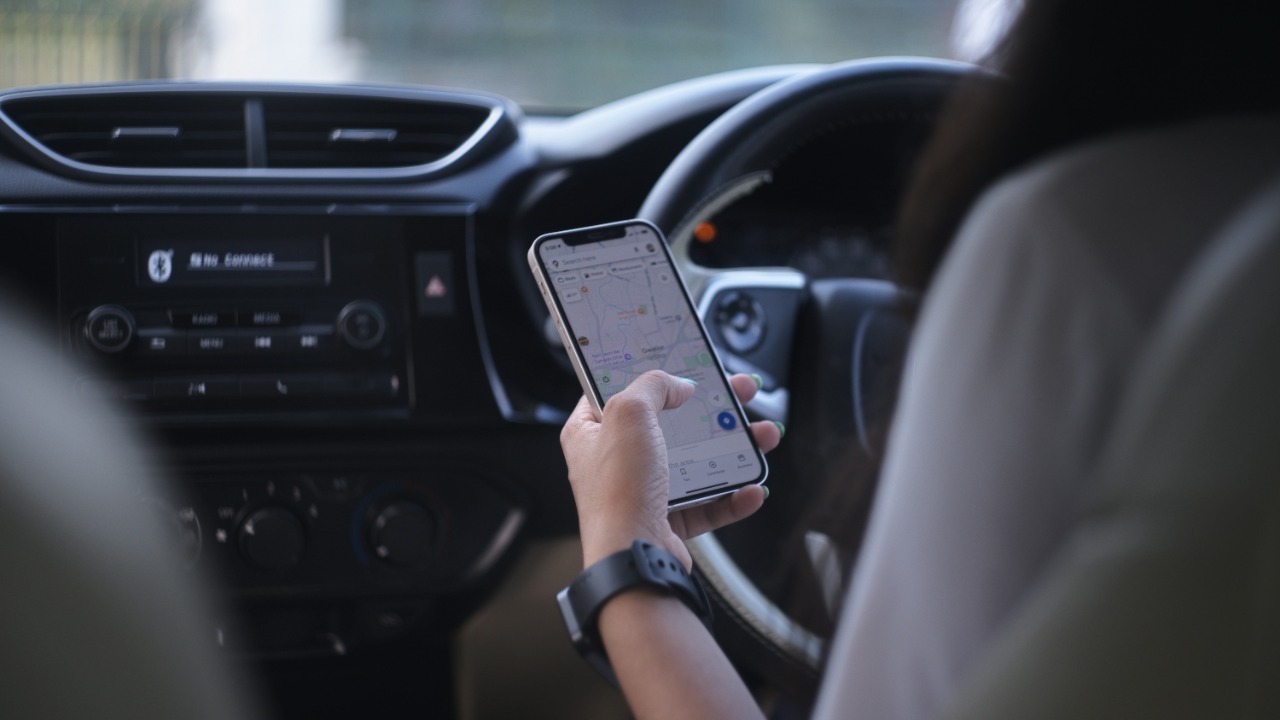

Navigation apps live or die on the tiny details that shape every turn, and for years one missing detail has quietly held Waze back. Now the crowdsourced favorite is preparing to add full traffic light support, a change that could erase one of Google Maps’ biggest advantages and finally make switching feel like an upgrade instead of a compromise.
If the tests roll out widely, Waze will not only close a glaring feature gap but also build on a steady drumbeat of updates that have refined how it handles roundabouts, parking, and everyday commutes. I see a clear strategy emerging: fix the fundamentals that once pushed drivers to Google Maps, then lean on Waze’s personality and community data to keep them from going back.
Traffic lights: the missing piece Waze is finally testing
The most important change on the horizon is simple to describe and surprisingly hard to live without: clear traffic light markers along your route. Waze is reportedly testing a system that shows small icons at intersections so drivers can anticipate upcoming signals instead of discovering them at the last second, a feature that has long been standard in Google Maps and one that many users quietly rely on when planning lane changes or deciding whether to turn left or go straight. In Dec, reports indicate that Waze is experimenting with this traffic light support in a way that could finally bring its map visuals in line with what drivers already expect from Google’s flagship app, which is why the test is being framed as Waze’s chance to fix its biggest weakness and tempt people away from Google Maps.
The early descriptions suggest that the new layer will not just sprinkle icons randomly but will integrate with Waze’s existing turn-by-turn guidance so drivers see each light in context, one intersection at a time, instead of as clutter. One report notes that Waze is reportedly testing traffic light support as a popular feature from Google Maps that could soon go live, which underlines how central this capability has become to modern navigation. For drivers who have stuck with Google Maps purely because it shows signalized intersections clearly, this single addition could remove the last practical reason not to give Waze another try.
Why Google Maps still feels “safer” for many drivers
Even with Waze’s reputation for fast rerouting and crowd alerts, Google Maps has held a psychological edge for a lot of drivers who equate more visual detail with more safety. The presence of traffic lights, speed limits, and lane guidance in Google’s main app has made it feel like the more complete co-pilot, especially for people who do not want to think about whether their navigation tool is missing anything. That perception is reinforced by the way Google Maps handles offline use, letting drivers download entire regions so they can keep routing even when a road trip cuts through dead zones.
By contrast, Waze has historically leaned on its community features and live data while leaving some of those baseline comforts to Google Maps. One comparison points out that Waze offers a browser-based version as well, which is handy for planning, but adds that its offline functionality is much less helpful because you cannot download maps in the same way. However, You still get Waze’s signature alerts about accidents or sudden road closures when you are connected, which is why many drivers keep both apps installed and switch between them depending on the trip. The traffic light upgrade is poised to chip away at that split personality by making Waze feel less like a specialist and more like a full replacement.
How Waze’s focus on mobile and Android shapes its strategy
Part of the reason Waze has lagged on some map fundamentals is that it has always been built as a mobile-first tool rather than a general-purpose mapping platform. The app is primarily focused on providing a mobile experience and is available on Android and iOS, which has pushed its designers to prioritize what matters most when a phone is mounted on a dashboard: clear turn instructions, real-time hazards, and minimal clutter. That focus has helped Waze carve out a loyal base of drivers who care more about shaving minutes off a commute than about browsing points of interest on a laptop.
At the same time, Google Maps has evolved into a broader mapping and discovery engine, with what one analysis calls the Highlights of Google Maps including deep place information and integration across devices. That same breakdown notes that Waze is primarily focused on mobile and available on Android, and yet it still concludes that Waze remains an excellent choice for drivers who value its strengths. The move to add traffic lights fits that profile: it is not about turning Waze into a full Google Maps clone, it is about closing a few critical gaps so the app’s mobile-first design and community data can shine without obvious trade-offs.
Roundabouts, speed bumps, and the quiet evolution of Waze guidance
Traffic lights are not the first sign that Waze is rethinking how it presents the road ahead. Earlier updates have already shown that the app is willing to refine its guidance around tricky spots where drivers often feel uncertain, such as roundabouts and speed bumps. Waze knows that many of us prefer taking a particular route to work, school, or home, even if it is not the most efficient, and it has started to respect those habits while still nudging us toward safer choices when the road layout gets complicated.
One recent update highlights how Waze has improved instructions for navigating roundabouts, speed bumps, and parking garages, with more precise prompts that help keep everyone on the roadway safe instead of leaving drivers to guess which exit to take. The same report notes that Waze knows that many of us prefer taking a particular route and has tuned its behavior accordingly, even down to how it guides drivers once they arrive at destinations in cities like Montreal and New York City. When you view the traffic light tests in that context, they look less like a one-off experiment and more like the next step in a broader effort to make Waze’s turn-by-turn instructions feel as intuitive as a local sitting in the passenger seat.
Driving “like a local” with safety features that echo Google Maps
Waze’s push to add traffic lights also sits alongside a suite of safety and familiarity tools that are designed to make unfamiliar roads feel less intimidating. The app has been steadily layering in features that encourage drivers to behave like locals, not tourists, even when they are far from home. That includes smarter alerts about hazards, better lane guidance, and context-aware prompts that reduce the temptation to make last-second maneuvers.
One breakdown of recent changes describes how Waze, the Google-owned navigation app, has added six new features to make driving safer and easier, explicitly aiming to help people drive like a local with a suite of new tools. Those additions also bring Waze closer to the kind of safety features people associate with Google Maps, such as clearer warnings and more conservative routing when conditions demand it. When you combine that trajectory with the upcoming traffic light icons, the pattern is clear: Waze is not abandoning its identity as the more playful, community-driven option, it is quietly importing the safety net that once made Google Maps feel like the default.
Smarter starts and smoother resumes for everyday commutes
Beyond what you see on the map itself, Waze has been working on the friction points that define how you start and resume a trip. For commuters who bounce between home, office, and school runs, the biggest annoyance is often not the route but the taps required to get going. Waze’s recent changes aim to cut that friction so that getting directions feels as automatic as turning the key in a 2025 Toyota Camry or pressing the start button in a 2024 Ford F-150.
One recent update explains that This makes it much easier to get routing to a home or office address with just a couple of prods, and that the feature is smart enough to recognize when you are already driving, which can be frustrating if the app demands extra input. In addition to the user-facing tweaks, the same report notes that Waze has improved how it lets drivers safely continue a journey after interruptions, which matters when you are juggling errands or quick stops. These quality-of-life upgrades may not grab headlines like traffic lights, but they are part of the same strategy: remove excuses to open Google Maps instead.
Subtle interface tweaks that make Waze feel more premium
Visual polish might seem secondary to routing logic, but it plays a real role in whether drivers trust an app to guide them at highway speeds. Waze has been quietly refreshing its interface so that it looks more at home in modern cars, especially those running Apple CarPlay or Android Auto. The goal is to make the app feel less like a quirky add-on and more like a native part of the dashboard, which in turn makes drivers more comfortable relying on it for long trips.
A rundown of Waze’s 2024 changes describes how Waze’s 2024 Updates: Subtle Tweaks That Make a Big Difference include New Car Icon Designs for a sleeker look, along with refinements to how the CarPlay interface presents lanes and speed limit changes. Those Updates and Subtle Tweaks That Make a Big Difference may sound cosmetic, but they help Waze feel like a polished alternative rather than a scrappy backup. When you imagine those refreshed icons sitting alongside new traffic light markers, the overall experience starts to resemble a premium navigation suite rather than a patchwork of community hacks.
Closing the gap with Google Maps on core map data
Under the hood, the move to add traffic lights is about more than icons. It signals that Waze is investing in the kind of detailed map data that Google Maps has been building for years, including the exact placement of signals at intersections around the world. One report notes that Google Maps began showing traffic lights at intersections globally several years ago, which gave it a head start in training drivers to expect that level of detail. Waze is now catching up by layering similar information on top of its existing road network.
Coverage will be the key test. A recent look at the feature explains that Best Black Friday Tech Deals is not the real story, but rather that the new Waze traffic lights feature, discovered by GeekTime, adds small icons at intersections and is explicitly framed as an effort to catch up with Google Maps, which started showing traffic lights at intersections globally several years ago. If Waze can roll this out with similar breadth, it will erase one of the most obvious visual differences between the two apps and make the choice come down to philosophy rather than missing data.
What traffic light awareness could mean for safety and stress
For drivers, the practical impact of seeing traffic lights on the map is less about novelty and more about anticipation. Knowing that a signal is coming up can change how you approach a hill, how early you move into a turn lane, or whether you commit to a pass before an intersection. It can also reduce the anxiety of driving in unfamiliar cities where signals might be placed overhead, on the side, or even slightly beyond the intersection, which can confuse visitors who are used to different layouts.
One report on the tests explains that Your trip may now reflect traffic lights along the way, and that Waze is currently testing a new feature that supports showing these signals so drivers have a better idea when and where to be cautious. The same report raises the question of whether the app could eventually show exact light colors, but that remains unverified based on available sources. Even without color states, simply marking the presence of a signal can help drivers manage speed and expectations, especially when combined with Waze’s existing alerts about hazards and sudden slowdowns.
Why this could finally tempt Google Maps loyalists to switch
For years, the conversation around Waze versus Google Maps has been framed as a trade-off between raw speed and polished completeness. Waze has been the app you open when you are late for a meeting and willing to take side streets, while Google Maps has been the default for everything else. By adding traffic lights, refining roundabout guidance, and polishing its interface, Waze is methodically removing the reasons people once gave for sticking with Google Maps even when they preferred Waze’s personality.
When I look across the recent changes, from the New Car Icon Designs for CarPlay to the smarter handling of home and office addresses and the upcoming traffic light icons, I see a navigation app that is no longer content to be the scrappy alternative. Waze is still leaning on its strengths, like community reports and a mobile-first design that shines on Android, but it is also importing the Highlights of Google Maps that matter most to everyday drivers. If the traffic light tests graduate into a full rollout with broad coverage, the biggest flaw that once pushed people back to Google Maps will finally be gone, and the choice between the two will come down to preference rather than compromise.
More from MorningOverview