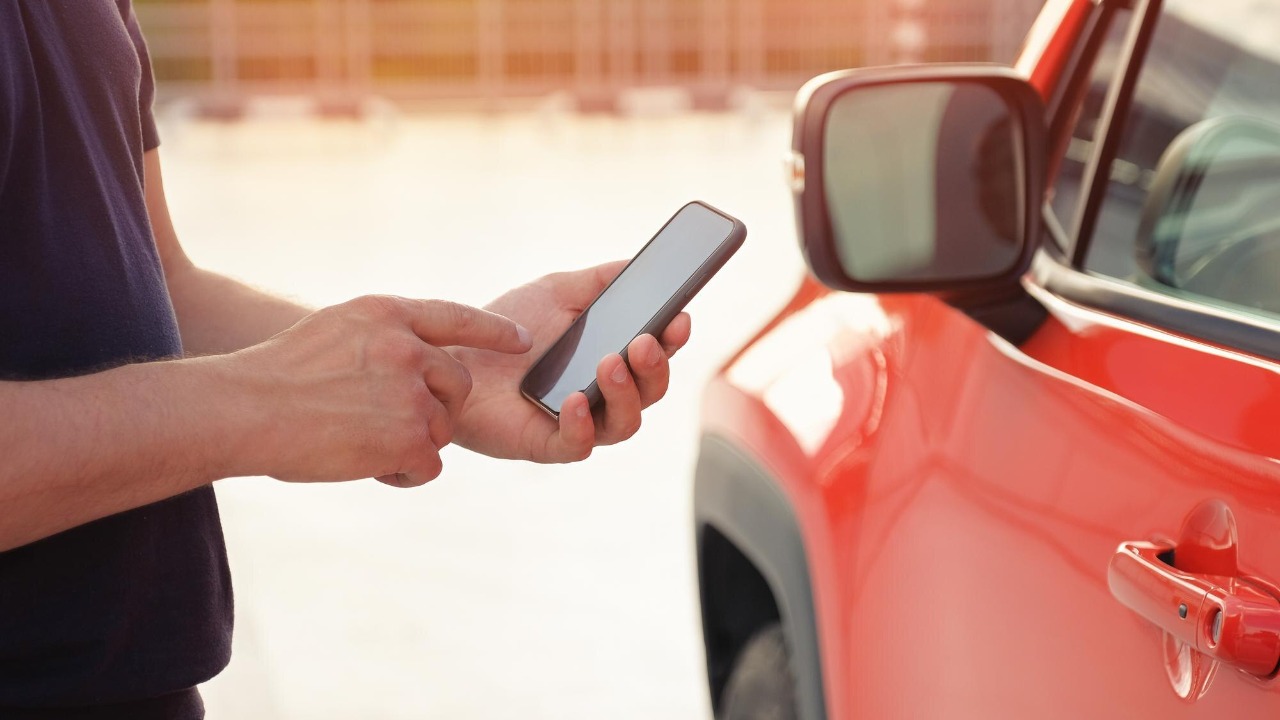

Car keys have quietly moved into the same place you already keep your boarding passes, payment cards, and transit tickets: your phone. On modern vehicles and Android phones, it is now possible to store a secure digital car key, unlock the doors, and even start the engine without touching a fob. The catch is that setup still feels confusing, so I am going to walk through how it works, what you need, and how to keep it safe.
Instead of juggling a key ring, you can lean on the same wireless standards that already power keyless entry and Bluetooth audio, but with tighter security controls. With the right car, a compatible Android device, and a few minutes in the automaker’s app, you can turn your phone into a primary or backup key, share access with family, and avoid the classic “locked keys in the car” panic.
From key fobs to phones: why digital car keys exist at all
Digital car keys are not a gimmick bolted onto modern cars, they are the logical next step in a long shift away from metal blades toward wireless access. The Digital Key Evolution Since the introduction of remote keyless entry, drivers have grown used to walking up to a vehicle, grabbing the handle, and letting the car sense a nearby fob instead of inserting a key. That same expectation is now being extended to smartphones, which can store secure credentials and incorporate these functionalities into a smartphone that is already in your pocket.
Automakers and suppliers see this as more than convenience, because a digital key can be updated, revoked, or shared in ways a physical fob never could. A platform built for The Digital Key Evolution Since the early days of keyless entry lets carmakers manage access remotely, tie keys to user profiles, and integrate them with connected services such as remote start or location tracking, all while keeping the cryptographic keys off the open internet.
What Android’s digital car key actually does
On Android, a digital car key is essentially a secure pass stored in the phone’s hardware that lets the car verify you are allowed to get in and drive. Once configured, you can walk up to a compatible vehicle, hold your phone near the door handle or simply keep it in your pocket, and the car will unlock and, in many cases, allow you to start the engine without ever touching a physical key. The system is designed so that How you interact with the car feels as natural as tapping to pay at a checkout terminal.
Crucially, Android treats the car key as a credential that can be backed up, restored, and even shared, not just a one-off pairing. You can use the platform’s tools to share a digital car key securely with anyone on either an Android or iPhone device, which means You are not limited to one ecosystem when lending your car. The official guidance from How the feature works emphasizes that sharing is controlled, time bound, and revocable, so you can give a teenager access for a weekend or a friend access for a single trip, then pull it back without meeting in person.
Checking if your car and Android phone are compatible
Before you can retire your key fob, you need to confirm that both your vehicle and your Android phone support digital keys. Not every car with keyless entry can talk to a phone, and not every Android device has the secure hardware needed to store a car credential. The official Android guidance is blunt about this: Check compatibility first, then See whether your specific model and year are on the supported list, because the feature depends on both the car’s wireless hardware and the phone’s security chip.
In practice, that means digging into your owner’s manual or the automaker’s app to see if digital keys are listed as a feature, and then confirming your phone runs a recent Android version with the right wireless standards. The platform’s own compatibility page spells out that you should Check whether both the car and device support digital car key before you attempt setup, because otherwise you will waste time hunting for menus that simply are not there.
How setup usually works between the car, the app, and your phone
Once you know your hardware is compatible, the next step is pairing the car and phone through the automaker’s app. The broad pattern is similar across brands: you sign in to the carmaker’s account system, prove you are the owner, and then let the app talk to the vehicle over the internet or Bluetooth to create a digital key. Industry guidance on How to Set Up and Use a digital key stresses that the exact steps differ by brand and model, so it is best to read your vehicle owner’s manual before you start tapping through menus.
On the technical side, the automaker defines the requirements for how the key is stored and validated, then walks you through pairing. Apple’s developer documentation for its own car key feature notes that Next, they initiate pairing and that the easiest way is to use an automaker app to handle the cryptography in the background, which mirrors how Android car keys are provisioned. The same principle applies when you follow a guide on How to Set Up and Use a Digital Car Key The steps for setting up your digital key may differ depending on your vehicle, but they always end with the car and phone agreeing on a shared secret that lives in the phone’s secure element.
Living with a phone-as-key: convenience and daily use
Once the initial pairing is done, the appeal of a phone-based key becomes obvious in daily use. Convenience is the headline benefit, because you can Easily lock, unlock, and start your vehicle without carrying a physical key, which is especially helpful if you are already juggling a laptop bag, groceries, or a child seat. A guide to digital vehicle keys for Mercedes-Benz drivers highlights that this kind of setup lets you treat the car more like a connected device than a locked box, with the phone acting as both key and remote control.
That convenience extends to situations where you might otherwise be stranded. If you have ever locked a key fob in the trunk, you know the sinking feeling that follows, but connected cars now offer a way out. Roadside advice from the AA points out that one option is to Use your manufacturer’s app, Download the app from the app store on your mobile device, Open the app and connect it to your car, then make sure your car’s Bluetooth is switched on too so you can unlock the doors remotely. With a digital key already stored on your Android phone, that same app can often serve as both emergency unlock tool and everyday key, reducing the risk that a simple mistake turns into a tow truck call.
How digital keys compare to traditional keyless entry
Digital car keys build on the same wireless ideas that made keyless entry popular, but they add layers of control and flexibility that a plastic fob cannot match. Traditional systems let you keep a fob in your pocket and still unlock the car, and consumer advocates note that Keyless entry systems allow owners to almost ignore their key fob when it is in a pocket or purse, which has made them a default feature on modern vehicles. That convenience, however, comes with trade-offs, including the risk of relay attacks where thieves amplify the fob’s signal from inside your house.
By moving the key into a smartphone, automakers can lean on the phone’s secure hardware, lock screen, and connectivity to tighten security. A digital key can be revoked instantly if your phone is lost, and access can be limited to specific drivers or time windows in a way that a standard fob cannot. At the same time, the underlying radio technologies are familiar, so the experience of walking up to the car and pulling the handle feels similar to a traditional Keyless system, just with more intelligence behind the scenes.
Bluetooth, Android Auto dongles, and what they teach you about pairing
If you have ever paired your phone to a car stereo, you already understand most of the muscle memory needed to set up a digital key. Tutorials on connecting your phone to your car stereo explain that The steps to do this will vary depending on what type of smartphone and what type of vehicle you have, but typically involve putting the car into pairing mode and then selecting it as a Bluetooth device on your phone. That same pattern, where the car advertises itself and the phone confirms the connection, underpins many digital key setups even when they rely on more advanced standards than plain Bluetooth.
Aftermarket accessories show how streamlined this can become. Guides to Bluetooth Android Auto dongles describe Quick Setup Steps Step What You Do, then note that during Pairing Follow the prompts on your car’s screen or your phone and that Some adapters use a companion app to simplify the process. Those instructions mirror what you see when adding a digital key, where you follow prompts on both the car’s display and your Android device until the two agree they trust each other. A walk-through from one dongle maker underscores that a Quick Setup Steps Step What You Do approach, with clear on-screen instructions, can make even complex wireless handshakes feel routine.
Cross-platform sharing and why Apple’s approach matters to Android drivers
Even if you live entirely in the Android world, it matters that digital car keys are being designed to work across platforms. Automakers do not want to lock a vehicle to a single phone brand, especially when families often mix Android and iPhone devices. Apple’s own developer video on car keys spells out that the requirements here are defined by you, the automaker, and that Next, they initiate pairing using an automaker app, which shows that both major mobile ecosystems are aligning around similar flows and security expectations.
For Android drivers, the practical impact is that you can share a digital key with someone using an iPhone without breaking the security model. The Android guidance on sharing notes that You can share digital car key securely with anyone on either an Android or iPhone device, which means a single car can be accessed by different phones without extra hardware. Apple’s documentation on Next steps in pairing reinforces that the automaker remains in control of how keys are issued and revoked, so cross-platform sharing does not mean ceding control to a phone maker.
Security basics: locking down your Android before it becomes a key
Turning your phone into a car key raises the stakes if that phone is lost, stolen, or left unlocked. Before you add a digital key, you should treat your Android device as a high-value target and harden it accordingly. Security guides for Android users stress that Always remember the options we’ve shown here may vary depending on the model and brand of your phone, so you must check your Android Settings and secure your android phone with a strong screen lock, up-to-date software, and features like remote wipe.
Those same best practices apply directly to digital car keys, because the car trusts whatever the phone’s secure element presents. If someone can bypass your lock screen, they may be able to use the stored key to unlock and start the vehicle. That is why it is essential to review the advice to Always secure your Android phone before you rely on it as the only way into your car, and to enable features like device location and remote lock so you can respond quickly if the phone goes missing.
When things go wrong: backups, lockouts, and recovery
Even with a digital key set up, you should plan for the day something fails, whether that is a dead phone battery, a glitchy app, or a lost device. The safest approach is to treat the digital key as your primary tool but keep a physical key or card as a backup in a safe place, not in the glovebox. Roadside advice for drivers who have locked keys in the car shows how connected services can help, recommending that you Use your manufacturer’s app, Download the app from the app store on your mobile device, Open the app and connect it to your car, and ensure Bluetooth is on so you can unlock the doors even when the fob is out of reach.
If the phone itself is gone, your recovery plan should start with revoking the digital key from another device or from the automaker’s web portal, then adding a new key once you have a replacement phone. Tutorials on pairing phones to cars, including those that explain that The steps to do this will vary depending on what type of smartphone and what type of vehicle you have, underline that you may need to sit in the car and repeat the original setup process. A video guide that notes The steps to do this will vary by phone and vehicle is a reminder that recovery is not one-size-fits-all, so it is worth skimming your owner’s manual now rather than in a parking lot with a dead battery.
Why the shift to digital keys is not going away
Digital keys are part of a broader trend that treats the car as a connected device tied to your digital identity rather than a standalone machine. Suppliers that manage digital key platforms describe how The Digital Key Evolution Since the introduction of remote keyless entry has pushed automakers to integrate these functionalities into a smartphone, which in turn enables subscription services, usage-based insurance, and shared mobility models that depend on remote access control. For drivers, that means the phone-as-key experience will likely become as standard as Bluetooth audio or backup cameras.
At the same time, the industry is still in a transition phase, with physical keys and fobs coexisting alongside digital credentials. Consumer advice on What Carmakers Can Do with keyless systems shows that even traditional fobs are gaining hidden features and smarter behavior, while guides to Convenience features like digital vehicle keys highlight how quickly drivers adapt once they experience life without a bulky key ring. For Android users, the message is clear: if your car and phone support it, you can keep your car keys on your device today, as long as you are willing to spend a few minutes on setup and take security as seriously as you do with your banking apps.
More from MorningOverview