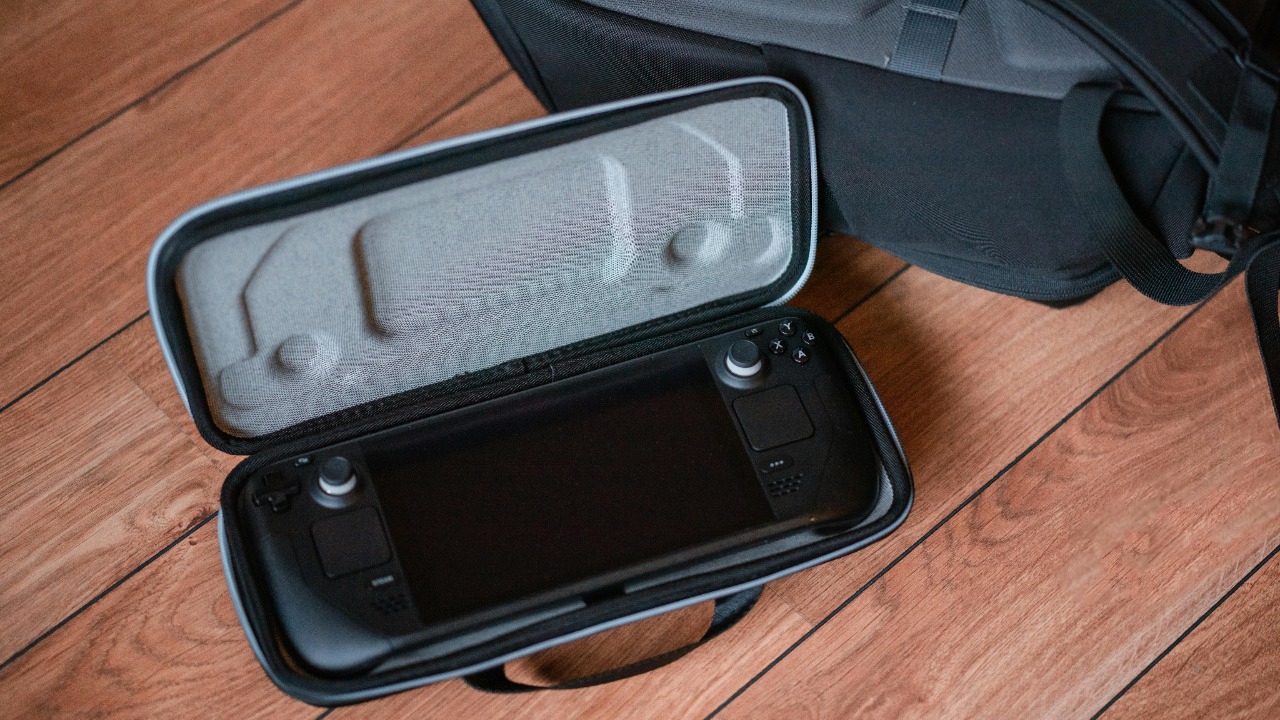

Steam Deck owners are increasingly turning to their phones to tame sprawling libraries, tweak performance and squeeze more playtime out of every charge. The latest wave of companion tools for iOS and Android turns that second screen into a control center, cutting down on trial and error so you spend less time in menus and more time actually playing. One app in particular has quickly shifted from curiosity to essential install, and it is reshaping how I think about managing Valve’s handheld.
Instead of juggling spreadsheets, browser tabs and guesswork, a dedicated mobile companion can now surface the right settings, highlight compatible games and even coordinate with Valve’s own tools. That shift matters whether you are running the original LCD Steam Deck or the newer OLED model, because the friction of setup has always been the hidden tax on portable PC gaming. With the right app on your phone, that tax finally starts to shrink.
Why Steam Deck players suddenly need a mobile companion
The Steam Deck has always promised PC flexibility in a handheld shell, but that flexibility comes with homework: checking compatibility, tuning graphics and deciding what to install before you leave the house. A focused mobile companion app turns that prep work into something you can do on the couch or commute, so by the time you pick up the Deck, your library is already filtered and your plan of attack is clear. That is the core appeal behind reports that describe This Steam Deck companion app for Android and iOS as a must install, because it reframes setup as something you do once, then reuse.
For owners juggling both LCD and OLED hardware, the stakes are even higher, since different screens and battery profiles can demand different performance targets. The same reporting stresses that both LCD and OLED models benefit from a smarter approach to game selection and tuning, which is exactly what a well designed phone app can deliver. Instead of treating the Deck as an isolated device, these tools assume you will keep an iPhone or Android device nearby and lean on that extra screen to make sense of a growing PC library.
DeckFilter and the rise of “second screen” Steam Deck tools
The clearest sign that this second screen era has arrived is DeckFilter, a mobile app pitched directly as a Steam Deck companion. Rather than trying to replace Steam itself, DeckFilter focuses on the problem that trips up most new owners, which is figuring out what actually runs well on the handheld. The app is described as a way to recognize compatibility at a glance, so you can scan your library on your phone and immediately see which titles are a good fit before you ever hit install.
DeckFilter leans into that role by branding itself as The Steam Deck companion app for iOS and Android, with tools to Filter your Steam library and make every session on your Steam Deck more enjoyable. That framing matters, because it acknowledges that the handheld is only one part of a broader ecosystem that already includes your phone and your existing Steam account. By offloading library triage and discovery to a mobile interface, DeckFilter lets the Deck itself focus on what it does best, which is running the games you have already vetted.
DeckSettings turns your phone into a performance dashboard
If DeckFilter is about choosing what to play, DeckSettings is about how you play it. The app is described as a “performance companion built for Steam” that is now available on iOS and Android, aimed squarely at players who want more playtime and less guesswork. Instead of endlessly tweaking sliders on the Deck itself, you can use your phone to compare recommended settings, understand performance trade offs and settle on a configuration that balances frame rate, battery life and visual quality.
The community response underscores how quickly this kind of tool can become part of a standard setup. One discussion highlights that The DeckSettings app is available on the App Store and Google Play Store, depending on whether you have an iPhone or Android device, which removes the friction of sideloading or hunting for unofficial builds. By living in the same storefronts as your everyday apps, DeckSettings positions itself as a normal part of owning a Steam Deck rather than a niche utility, and that mainstream placement is a big part of why it is being framed as essential.
How the must have app fits alongside Valve’s own mobile tools
Valve has not ignored the mobile side of the equation, and any serious look at companion apps has to account for the official Steam client. A major update to that app introduced a cleaner interface and, crucially for handheld owners, the ability for Users to manage remote downloads of games and updates to their Steam Deck. Elsewhere in that same overhaul, Valve added quality of life features that make it easier to approve logins and keep track of your library, which means the official app now covers the basics of ownership even before you install anything third party.
That context is important, because it shows that the must have companion on iOS and Android is not trying to replace Valve’s own tools, but to sit on top of them. Where the official client handles purchases, security and remote installs, the new wave of apps focuses on performance guidance, compatibility filtering and smarter recommendations. In practice, I see them as complementary: Valve’s app gets your games onto the Deck, while the companion app highlighted as essential for Steam Deck Owners Need To Install This New App For Android And iPhone helps you decide which ones deserve that precious storage and how they should be configured once they are installed.
Why this app is being framed as “essential” for Android and iOS
What elevates a companion from “nice to have” to “you really should install this” is the amount of time it saves across an entire library. Reports describing This Steam Deck app as a must install emphasize that it simplifies the handheld gaming experience by cutting down on repetitive setup tasks. Instead of researching every game individually, you can lean on shared performance profiles, curated recommendations and clear compatibility flags that are all accessible from your phone, whether you are on Android and iOS or switching between the two.
That cross platform reach matters because Steam Deck owners are not locked into a single mobile ecosystem. The fact that the same core experience is available on Android and iPhone, and that the DeckSettings app is listed in both the App Store and Google Play Store, means you can keep using the same tool even if you change phones. For a device like the Steam Deck that many people treat as a long term investment, that continuity is a big part of why this category of app is now being treated as essential rather than experimental.
Community picks that complement the main companion app
Alongside the headline grabbing performance tools, the Steam Deck community has been quietly building its own list of must have apps that round out the experience. In one Jan thread, a Comments Section highlights how players use their Deck for more than just games, with one Edited recommendation urging people to Download one called Kasts, which lets you listen to podcasts in the background while you play or travel. That kind of suggestion shows how quickly the Deck can turn into a general purpose media device once you start layering in the right software.
These community picks do not replace the central performance companion, but they do show how a typical setup is evolving. A new owner might start with DeckFilter or DeckSettings to get their games running smoothly, then add Kasts for audio, a browser based streaming service for video and a file transfer tool to move saves around. The result is a handheld that feels tailored to the individual, and the must have mobile app on iOS and Android becomes the backbone that keeps the gaming side of that ecosystem under control.
File transfers, KDE Connect and the broader ecosystem
Performance and compatibility are only part of the story, because a handheld PC is only as useful as the data you can move on and off it. That is where tools like KDE Connect come in, which the community calls out as pretty great for fast transfer of files between PC and Steam Deck. By pairing your desktop and handheld, KDE Connect lets you move screenshots, mods and configuration files without resorting to USB drives, which in turn makes it easier to take advantage of the settings and profiles you manage through your phone.
In practice, that means the must have mobile companion app does not exist in isolation. You might use DeckFilter on Android to decide what to install, KDE Connect on your PC to push over a custom configuration and Valve’s own mobile client to trigger the download while you are away from home. Each piece handles a different part of the workflow, but together they create a loop where your Steam Deck is always ready with the right games, tuned the way you like them, without a lot of manual shuffling every time you want to try something new.
Why a second screen matters more as your library grows
The longer you own a Steam Deck, the more your library tends to sprawl, and that is where a dedicated phone app really proves its worth. Scrolling through hundreds of titles on the Deck itself can be slow, especially if you are trying to remember which games are Verified, which are Playable and which need extra tweaking. A companion like DeckFilter that can Filter your Steam library on your phone and highlight the best candidates for handheld play turns that sprawl into something manageable, particularly when you are away from the Deck and just planning your next session.
That planning aspect is easy to overlook, but it is a big part of why I see this category as more than a novelty. A Steam Deck is the ideal way to bring your PC library on the go, as one report on Steam Deck owners installing a new app points out, but the library itself can be overwhelming without help. By offloading discovery, curation and performance research to a second screen, you turn that overwhelming library into a curated shortlist every time you sit down to play, which is exactly what a handheld should deliver.
More from MorningOverview