
In today’s digital age, laptops are essential tools for work, entertainment, and communication. However, these devices are not immune to security vulnerabilities. From weak passwords to outdated software, several security flaws can leave users exposed to potential threats. Understanding these weaknesses can help in taking effective measures to protect sensitive information.
1. Weak Password Protection
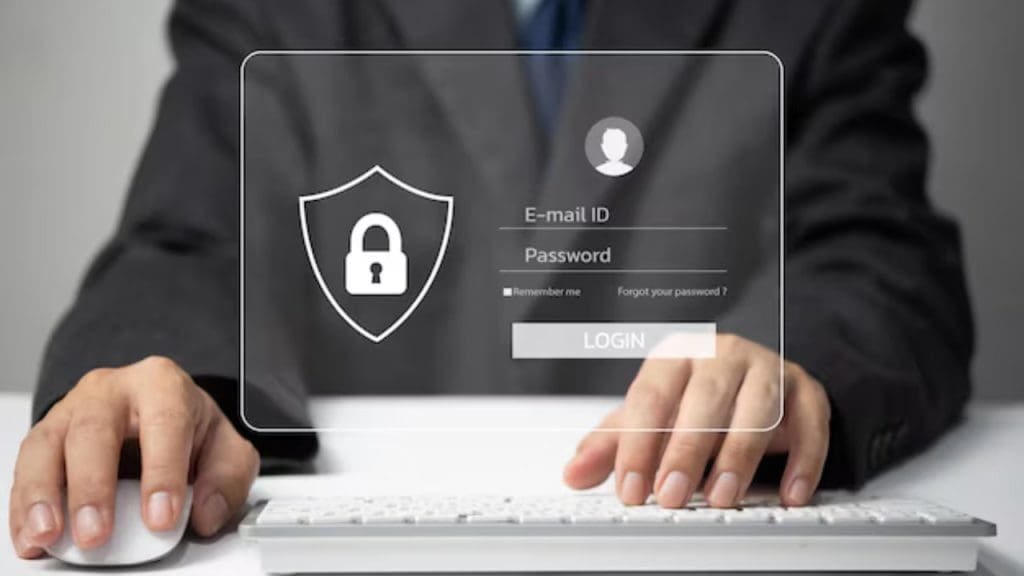
One of the most common security flaws in popular laptops is the use of weak passwords. Many users still rely on simple, easily guessable passwords, which can be a significant risk. A strong password should be a mix of upper and lower case letters, numbers, and special characters. Additionally, using multifactor authentication can provide an extra layer of security. For instance, incorporating biometric authentication, like fingerprint or facial recognition, can significantly enhance protection.
To mitigate this vulnerability, it’s crucial to regularly update passwords and avoid using the same password across multiple platforms. Password managers can also assist in generating and storing complex passwords securely, reducing the likelihood of unauthorized access.
2. Unencrypted Data Storage

Many laptops store data in an unencrypted format, making it accessible to hackers if the device is stolen or compromised. Encrypting data storage is vital to prevent unauthorized access to sensitive information. By using built-in encryption tools such as BitLocker for Windows or FileVault for macOS, users can significantly enhance their data security.
In addition to encrypting data, it’s also advisable to regularly back up important files to a secure location. Cloud services with strong encryption protocols can be a good option for maintaining data integrity and accessibility in case of a hardware failure or theft.
3. Vulnerable Firmware

Firmware vulnerabilities can provide a pathway for attackers to gain control over a laptop. These vulnerabilities often remain unpatched, leaving devices exposed to potential exploits. Regularly updating firmware and ensuring that the laptop’s BIOS or UEFI is up-to-date can help mitigate this risk.
Manufacturers periodically release updates to address known security issues, so staying informed and applying these updates promptly is essential. Additionally, some laptops offer the capability to enable secure boot, which can further protect the system from malicious code during startup.
4. Inadequate Webcam Security

The webcam is a potential target for hackers seeking to spy on users. Inadequate webcam security can lead to unauthorized access, posing privacy concerns. To protect against this, users should consider covering the webcam when not in use or utilizing built-in software to disable it when unnecessary.
Some devices come with a physical shutter or light indicator to show when the webcam is active. Users should also ensure that they have the latest security patches for the webcam software and disable any unnecessary permissions for applications that require camera access.
5. Outdated Operating Systems
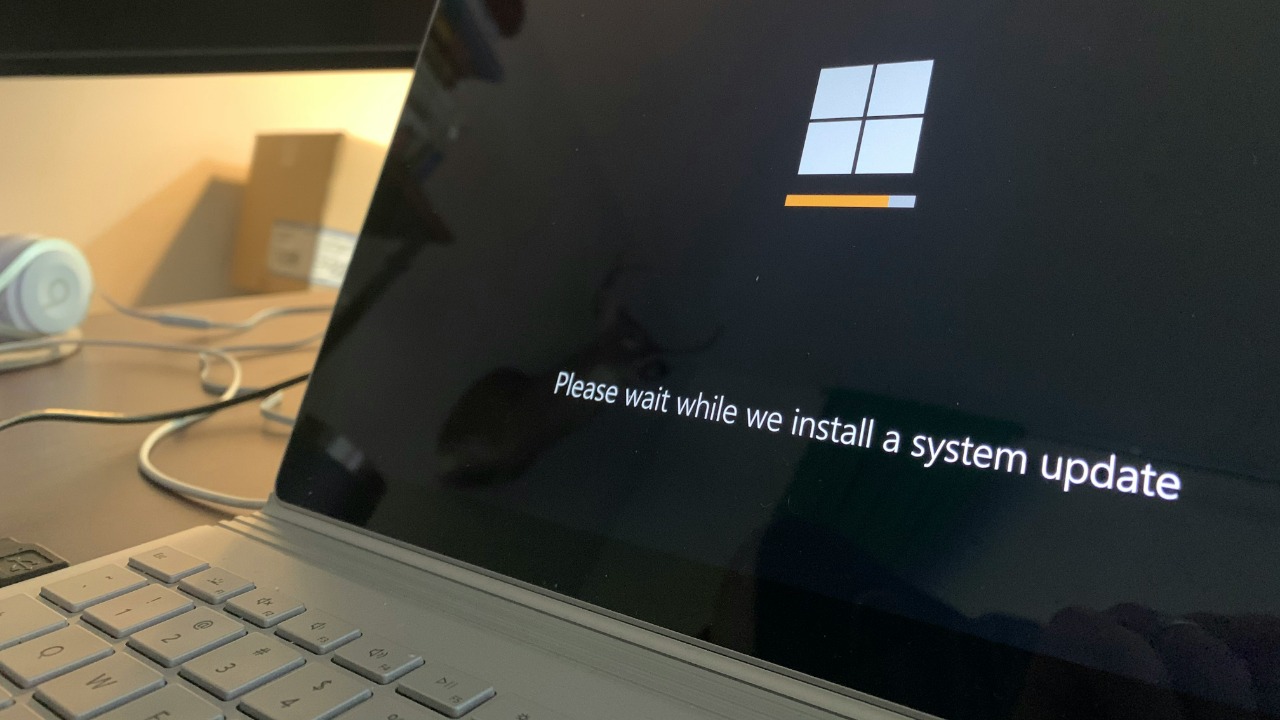
Running an outdated operating system can leave a laptop vulnerable to attacks. Operating system updates often include critical security patches that address known vulnerabilities. It’s vital to keep the operating system updated to protect against new threats.
Enabling automatic updates can help ensure that the system is always running the latest version. Users should also be mindful of the end-of-support dates for their operating systems, as continuing to use unsupported versions can significantly increase security risks.
6. Susceptible Wireless Protocols
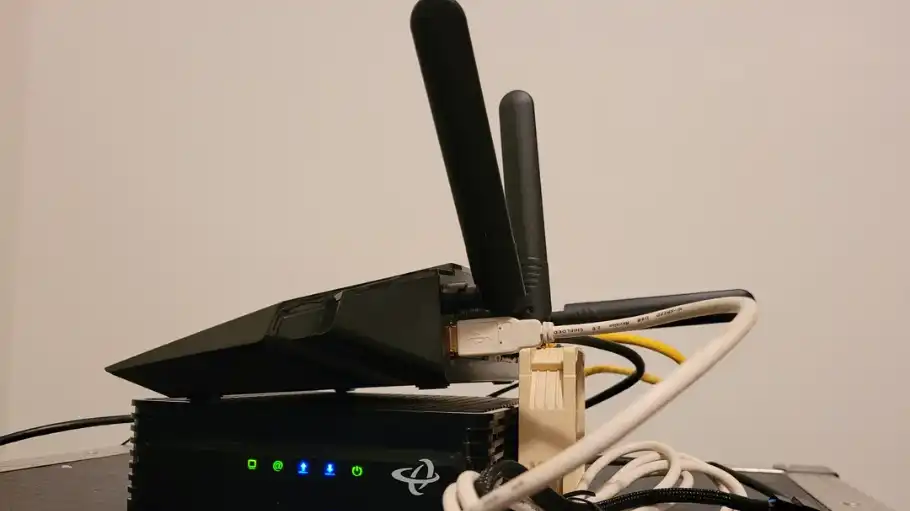
Many laptops are susceptible to attacks due to insecure wireless protocols. Hackers can exploit vulnerabilities in Wi-Fi networks, potentially gaining access to sensitive data. Utilizing WPA3, the latest Wi-Fi encryption standard, can enhance security over older protocols like WPA2.
Additionally, avoiding public Wi-Fi networks or using a virtual private network (VPN) can further protect data from being intercepted. Regularly updating router firmware and changing default login credentials can also reduce the risk of unauthorized network access.
7. Insufficient Physical Security Features

Laptops lacking physical security features are at a higher risk of theft or unauthorized use. Features such as Kensington locks or biometric security can provide additional protection for the device. Users should consider laptops with these features for better physical security.
Moreover, employing tracking software can help locate a stolen laptop and potentially assist in recovering it. Users should also ensure that sensitive data is encrypted to prevent access even if the device falls into the wrong hands.
8. Lax Software Update Practices

Many users neglect timely software updates, leaving their laptops exposed to vulnerabilities. Software developers release updates to address known security issues, so keeping applications up-to-date is crucial for security.
Enabling automatic updates for software and applications can streamline this process, reducing the likelihood of missing critical updates. It’s also wise to regularly review installed applications and remove any that are no longer in use to minimize potential attack vectors.