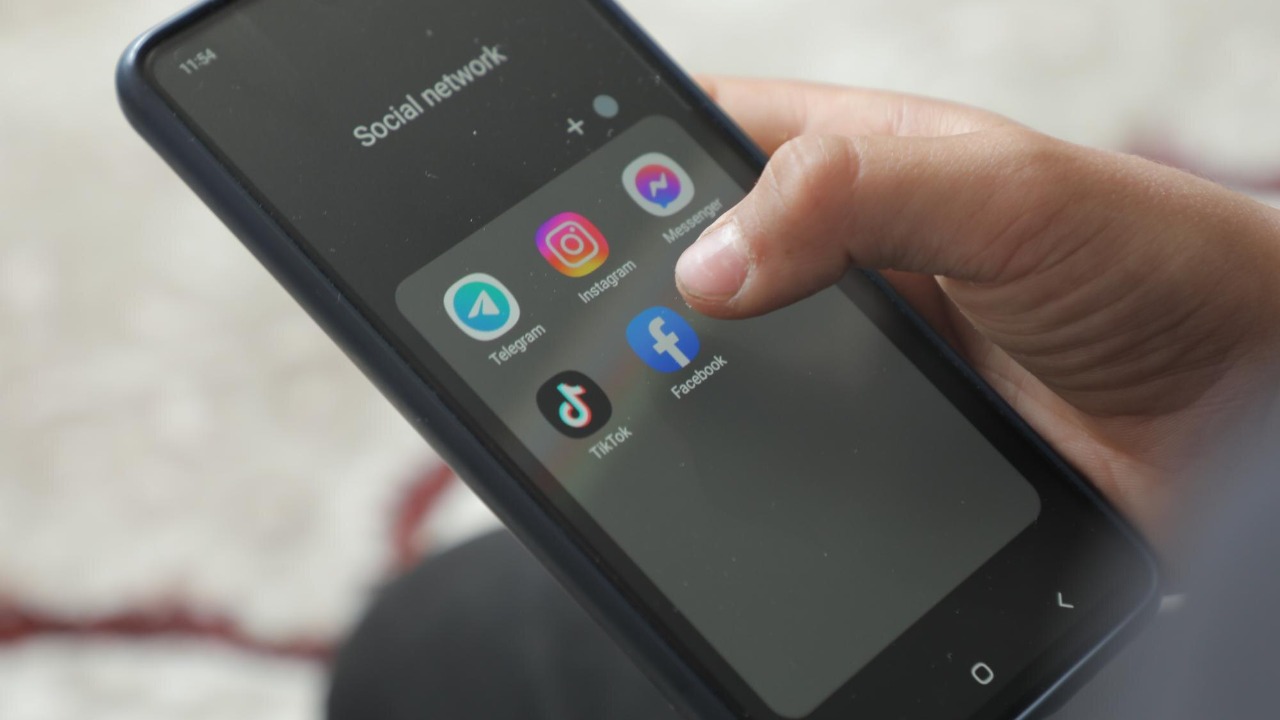

Some of the world’s most popular apps are also the ones most likely to leave you scrambling for a charger by mid‑afternoon. Battery drain is not just about how long you stare at the screen, it is also driven by how aggressively apps run in the background, sync data and trigger notifications. I will break down five major apps that repeatedly appear in reporting on battery hogs, and explain why they are so demanding along with what that means for your daily phone life.
1. Instagram
Instagram has become a textbook example of how a visually rich social platform can quietly sap your battery even when you are not actively scrolling. Google has officially confirmed that Instagram has been draining your phone’s battery on Android devices, with users reporting that the app was responsible for a disproportionate share of power use compared with their actual time in the app. Another report explains that Google, Instagram and Android engineers acknowledged that the app’s background processes were consuming more energy than expected, particularly through constant wakeups, camera access and network activity. That kind of system-level confirmation is rare, and it underscores how a single app can skew your entire battery graph even if you only open it a few times a day.
Part of the problem is structural. Instagram leans heavily on high-resolution photos, Reels and Stories, all of which require intensive decoding, GPU work and network transfers. Autoplaying short videos, preloading content as you scroll and keeping the feed ready in the background mean the app is often active even when it looks idle. On Android, the combination of push notifications, background refresh and camera-driven features like filters and augmented reality effects can keep the processor and radios awake far longer than a simple messaging app would. For users, the stakes are straightforward: if Instagram is one of your most-used apps, it can easily become the single biggest factor in whether your phone survives a full day, especially on older batteries or mid-range devices with smaller cells.
2. Facebook
Facebook is another social media giant that consistently appears at the top of lists of popular apps that drain your smartphone’s battery the most. Separate reporting on 14 popular apps that secretly drain your phone battery fast singles out Facebook by name, noting that the app is constantly running in the background and updating your feed even when you are not looking at it. That always-on behavior includes syncing posts, fetching new comments, refreshing ads and maintaining a steady stream of push notifications. In effect, Facebook behaves more like a background service than a simple app, which is why it often dominates the “battery usage by app” screen on both Android and iOS.
Facebook’s design choices amplify that impact. Autoplaying videos in the feed, live-streaming, in-app browser tabs and location-based features all require sustained CPU, GPU and network use. Studies of performance-draining apps, such as the analysis of which apps drain our batteries the most, repeatedly place Facebook alongside Google and Messenger as top offenders, with YouTube, Uber and Gmail also using a lot of battery. For users, the implication is that even if you rarely post, simply keeping Facebook installed and logged in can cost you hours of battery life over the course of a day. Many power-conscious users respond by disabling background refresh, turning off video autoplay or switching to the web version in a browser, trading some convenience for a noticeable improvement in endurance.
3. Snapchat
Snapchat’s playful design hides a serious appetite for power. In coverage of the top 10 apps that are secretly draining your phone battery, Snapchat is highlighted as a major contributor to unexpected drain, particularly because of its camera-centric interface, filters and Stories mode. Every time you open the app, it immediately activates the camera, which keeps the image signal processor and GPU busy. Add in real-time augmented reality lenses, location-based filters and constant syncing of chats and Stories, and Snapchat becomes one of the most resource-intensive ways to send a quick message or photo. Even when you are not snapping, background processes that check for new messages and update friend activity can keep the app active.
Video-heavy features magnify this effect. Watching Stories or Spotlight clips involves continuous decoding of short videos, frequent network calls and rapid transitions between pieces of content, which prevents the device from entering low-power states. Broader analyses of performance-draining Android apps show that apps combining camera, location and messaging functions tend to hit battery life, storage and data plans all at once, and Snapchat fits that profile exactly. For users, the stakes are particularly high among younger audiences who keep Snapchat open throughout the day as a primary chat tool. If you rely on your phone to last through school or a long shift, heavy Snapchat use can be the difference between finishing the day at 30 percent and hunting for a charger by lunchtime.
4. YouTube
YouTube is built around continuous video playback, so it is no surprise that it ranks among popular iPhone apps that are quickly draining your phone’s battery, alongside Facebook, Instagram, Fitbit, Uber, Tinder, Netflix and Snapchat. Separate research into which apps drain our batteries the most also lists YouTube among the most demanding apps, noting that it uses a lot of battery alongside Google, Facebook and Messenger. Streaming video is one of the most power-hungry tasks a smartphone can perform, because it keeps the display at high brightness, the speakers active, the CPU and GPU decoding video and the network connection busy fetching data. When you add features like autoplay, high-resolution playback and background audio, YouTube can dominate your battery usage chart even if you only watch a few long videos a day.
The way people use YouTube compounds the issue. Many viewers let playlists or recommendation queues run for extended periods, effectively turning their phone into a portable TV. That usage pattern keeps the screen on and prevents the device from entering low-power modes. Some battery guides point out that system toggles like high screen brightness, constant Wi‑Fi or mobile data and location services are among the system settings that drain your phone battery more than you might expect, and YouTube tends to push all of those to the foreground at once. For users, the trade-off is clear: long YouTube sessions are one of the fastest ways to burn through a full charge, so anyone who relies on video for learning, entertainment or work needs to be especially deliberate about resolution settings, autoplay and how often they stream on mobile data instead of Wi‑Fi.
5. WhatsApp
WhatsApp may seem lightweight compared with video-heavy platforms, but it still appears in reporting on how to see which apps are draining your phone’s battery the most and in lists of messaging apps that quietly eat into your charge. Coverage of common reasons your phone battery is draining fast points to constant background syncing, frequent notifications and media-heavy chats as key culprits, all of which describe how many people use WhatsApp. Group chats with nonstop messages, automatic downloading of photos and videos and regular backups to cloud storage keep the app active even when you are not typing. Over a full day, that steady trickle of activity can add up to a surprisingly large share of your battery use.
There is also a broader system context. Guides on quick fixes to extend Android phone battery life emphasize that messaging apps like WhatsApp can be tamed by limiting background data, reducing notification frequency and turning off automatic media downloads, rather than relying on blunt tricks that barely help. Other analyses of battery-saving habits that hardly work warn that simply closing apps or toggling dark mode has limited impact compared with managing how often apps wake your phone and use the network. For users who depend on WhatsApp for work, family coordination or international communication, the stakes are high: you cannot simply uninstall it, so understanding and adjusting its settings is one of the most practical ways to reclaim battery life without sacrificing the conversations that matter.
More from MorningOverview